2024.09.25 14:15:30


Message from the Bounty Rush Team About the Steam® Version
Introducing features of the Steam® version!
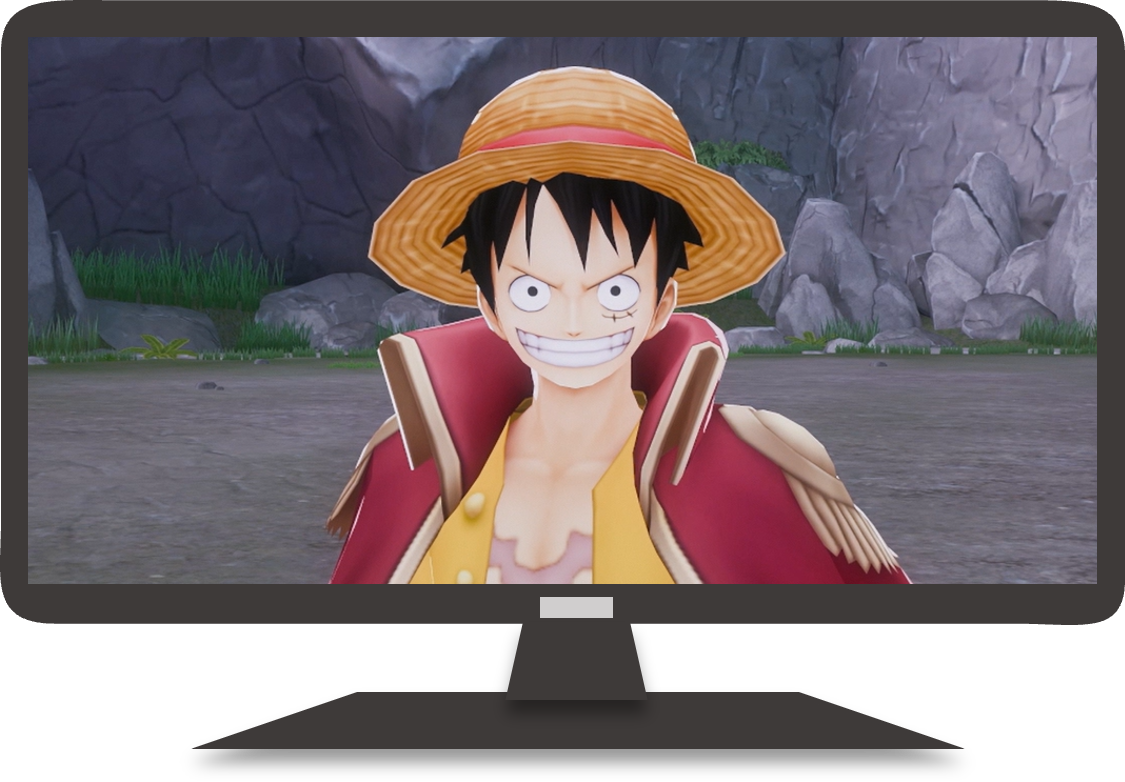
- Play Bounty Rush on a large PC monitor at 60 fps!
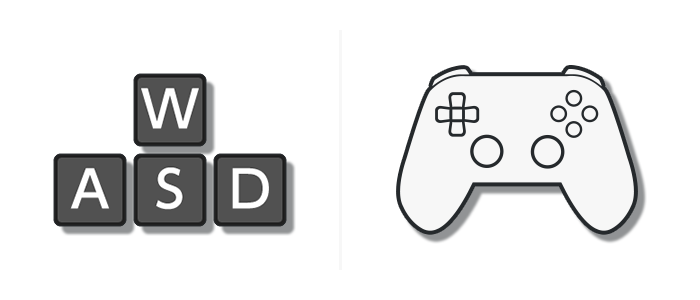
- Supports controllers and mouse/keyboard! Key configurations can be customized!
- Join in-game events with the same content and schedule as the mobile version!
*Some events may have content that differs from the mobile version.
*You cannot participate in the Championship from the Steam® version. Please participate on the mobile version.
- "Crossplay" allows players of the mobile version and Steam® version to use matchmaking to play together across platforms.
- Crossplay is a service only available for certain types of battles, such as "Room Matches" and "Free Matches".
- Go to "Home" > "Menu" > "Crossplay" to check the Crossplay Service Status.
You can use Multi-Login (Data Sharing) to log in to both the mobile and Steam® versions with the same account!
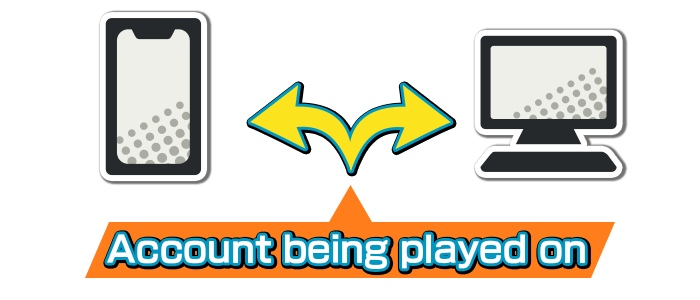
- With Multi-Login, you can use the same account on both Steam® and the mobile app.
- Multi-Login can only be used to link the mobile version on one device with the Steam® version.
- Multi-Login cannot be used to link multiple mobile devices. Also, it can only be used with one account.
■ How to Configure Multi-Login
[Important]
If you are playing ONE PIECE Bounty Rush on the mobile version and wish to continue using the same account (via Multi-Login), make sure to click the Multi-Login button on the Steam® version title screen and configure Multi-Login.
Please be aware that if you create a new Bounty Rush account on the Steam® version and link it to your Steam account, you will not be able to unlink it.
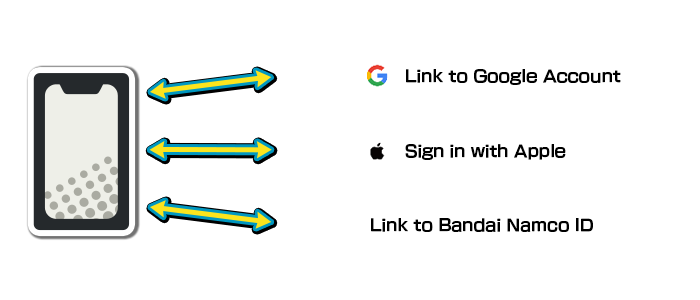
Launch the app from the platform of your active account (e.g., the mobile version), then go to "Home" > "Menu" > "Link Data" and link your social media account.
2. Configure Multi-Login on the platform where you want to set up a new Multi-Login
Launch the app on the new platform you want to add (e.g., a PC with Steam® installed), then select "Multi-Login" from the title screen.
In the dialog that appears, select the same social media account you linked in step 1, then configure Multi-Login.
■ What isn't shared with Multi-Login?
- The following content is not shared between the mobile and Steam® versions and is managed separately.
- Rainbow Diamonds Owned
- League/League Score
- Challenge Score (including Boss Battles/Rush Battles)
- Other Rankings - Other game progress information and effects/expiration dates for purchased items like Event Passes, Rush Passes, and more are shared.
About Rainbow Diamonds and Multi-Login
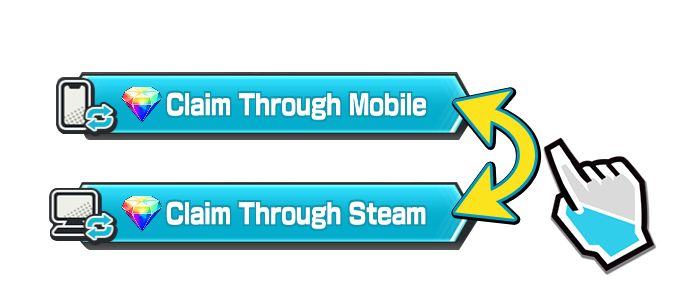
- When Multi-Login is set up, Rainbow Diamonds are not shared between the linked mobile and Steam® versions. They can only be used on the platform where you obtained or purchased them.
- You can claim any Rainbow Diamonds in your Gift Box by pressing either the "Claim Through Mobile" button or the "Claim Through Steam" button at the top of the screen.
*After Multi-Login has been configured, log in again to view the options for claiming Rainbow Diamonds. - The mobile and Steam® versions each have their own separate totals of Rainbow Diamonds. Go to "Home" > "Menu" > "Rainbow Diamonds Owned" to check the totals.
- Furthermore, from the Ver. 74000 update, Rainbow Diamonds obtained in game (excluding purchases) will be collectable from the Gift Box.
About League Battles with Multi-Login
- After Multi-Login is set up, you will start one League Rank lower on the added device.
From then on, your League Rank will be tracked separately for the mobile and Steam® versions. - Score Completion Rewards and other item acquisition statuses are shared between the mobile and Steam® versions. You cannot earn them twice.
- Ranking Rewards are obtained according to the version with the higher rank between the mobile and Steam® versions.
About Login Bonuses with Multi-Login
- Login Bonuses for the mobile and Steam® versions can only be obtained on one platform.
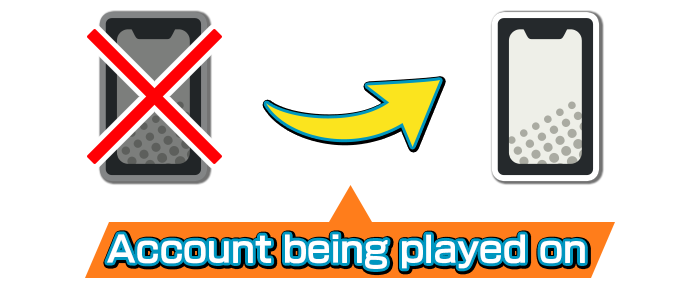
- To transfer game data from the mobile version to another mobile device, from the Home Screen select Menu → Link Data.
- Game data can be transferred using either "Transfer with an Account Link" or "Transfer with a Transfer/Multi-Login ID and Password".
- You can only use one method per game data.
*For further details, check the list of precautions on the Link Data screen, accessed from Menu on the Home Screen.
*If you link your account after you generate a Transfer/Multi-Login ID and password, the ID and password will be rendered unusable.
*We have ended issuance of new Transfer/Multi-Login IDs and passwords. See here for more details.
| Minimum Specs | Recommended Specs | |
|---|---|---|
| OS | Windows 10 / Windows 11 | Windows 10 / Windows 11 |
| GPU | Nvidia GeForce GTX 460 / Radeon HD 7770 | Nvidia GeForce GTX 660 Ti / Radeon R9 270 / Intel Arc A310 |
| CPU | AMD Ryzen 3 1200 / Intel Core i5-2300 | AMD Ryzen 3 1200 / Intel Core i5-2300 |
| RAM | 4 GB | 8 GB |
| DirectX | DirectX 11 | DirectX 11 |
*Steam Deck is not supported.
About Steam® Functions (Big Picture Mode, Steam Overlay, etc.)
- Some key inputs are not supported.
- If the application becomes unstable or freezes, please restart the game.
- If the Steam Overlay is disabled, some functions will be inaccessible.
About the Steam® Purchasing Process
- Making repeated purchases in a short time may cause errors to occur in the purchasing process.
*If an error occurs, please wait a while before trying again.
*If an error occurs, the purchase will not go through.
If the Game Fails to Launch
- Please check the system requirements.
- If you are using any security software, please check the settings of the security software.
- Fraud detection may be occurring, so please contact us via the Official Website.
About Updates
- When the game displays an update prompt, the update may not be available on Steam®.
*If this occurs, please wait a while before updating the game.
